- Vector files (AI, EPS, PDF, SVG) print sharp even when enlarged.
- Image files (PNG, JPG) need enough resolution at the print size. O-SEAN tells you at the mockup stage if the resolution is too low.
- If your brand colors are set, send the Pantone numbers or brand guide as well.
- Convert fonts to outlines, or send the font files along with the design.
- A mockup or design guide is not required. With a single logo or reference image, your consultant will create the mockup.
Frequently asked questions
Can I place a request without a design mockup or guide?
Yes, you can place a request without a mockup or design guide. A single logo file, a reference image or a rough idea is enough.
Even when the direction is not set yet, your consultant works with you from concept to mockup.
What format should design files be in?
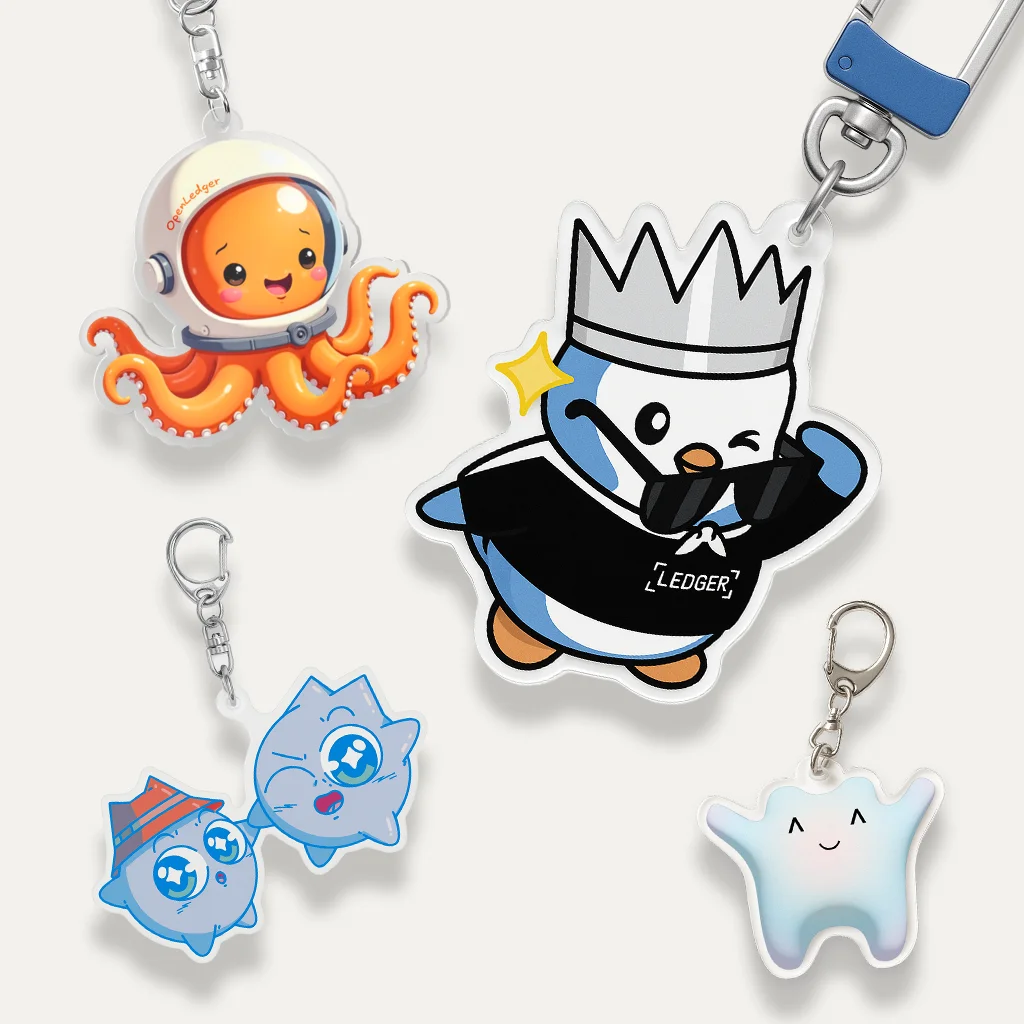
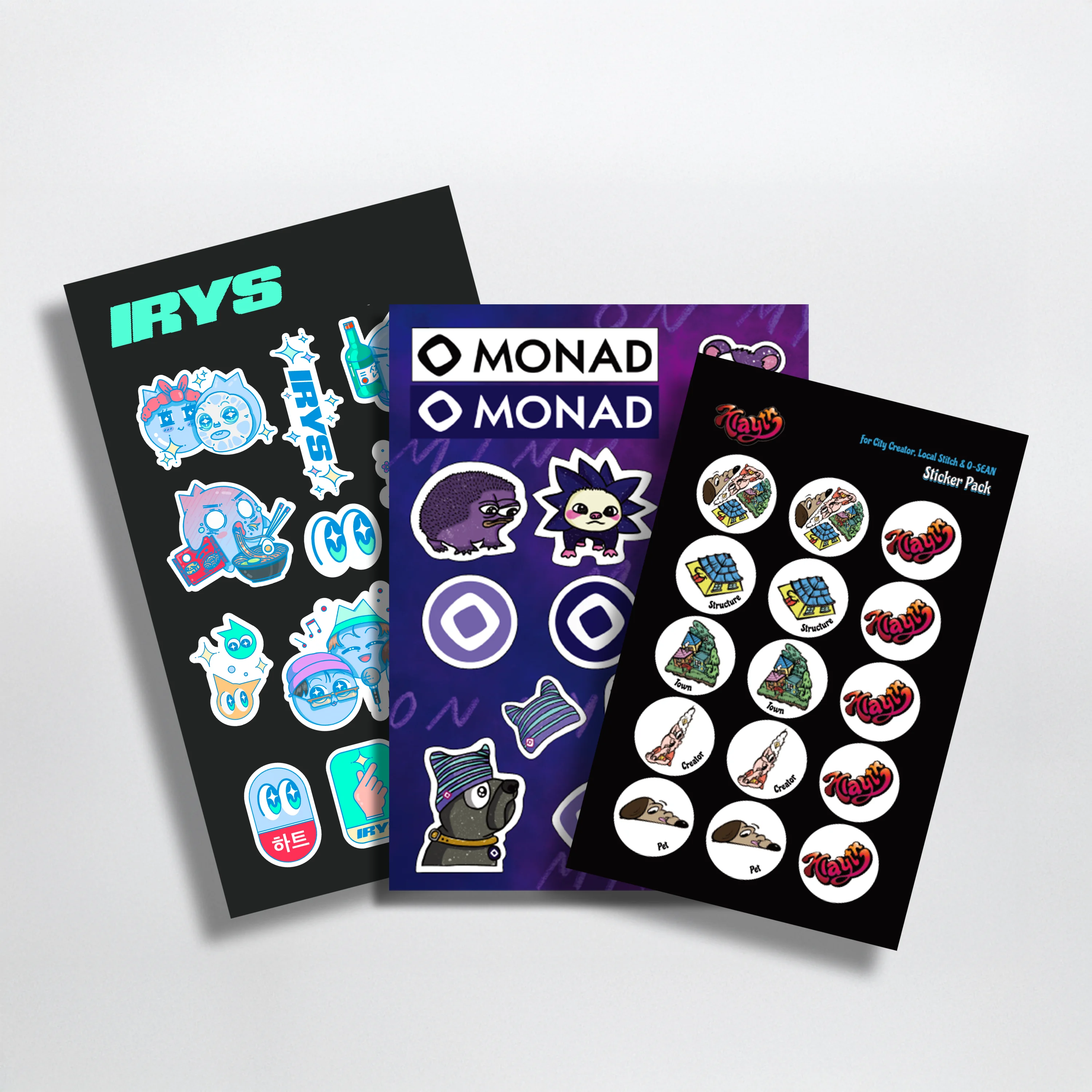
Designs with text and logos come out sharpest when sent as vector files such as PDF or AI. Image files such as JPG and PNG can print blurry if the resolution is low for the print size, and items cut to shape, such as acrylic keyrings and die-cut stickers, need a PNG with a transparent background.
If you are not sure which file works, send the files you have as they are, and your consultant will check them.
Can I send RGB files, or do I need to convert to CMYK?
Print files should be prepared in CMYK. Monitors show color in RGB, so printing an RGB file as is can make colors darker or duller.
For a logo where color matters, share the brand color values and check the actual color on a mockup or sample. More detail on specifying colors is in the print methods guide.
Will a phone photo or a small image print with good quality?
An image below 300 dpi at the actual print size prints blurry, and printing 10 cm wide needs an original of about 1,200 pixels wide or more. Enlarging a small image makes pixels visible, so send phone photos at their original resolution.
The file preparation standards are in the print methods guide.
Will you tell me before production if there is a problem with my file?
O-SEAN checks files at the mockup stage, and production starts after you confirm the final mockup. O-SEAN cannot take responsibility for errors in the design, text, quantity or specs you gave final approval to, or for problems caused by materials you supplied, unless O-SEAN acted with intent or negligence.
Before approving, zoom in and check typos, logo colors and print positions carefully.