| Finishing | Description | Products |
|---|---|---|
| Foil stamping | Foil stamping presses a metallic film onto the surface with a heated metal die so logos or text shine. The die shape becomes the foil shape, so foil stamping needs a vector file. | 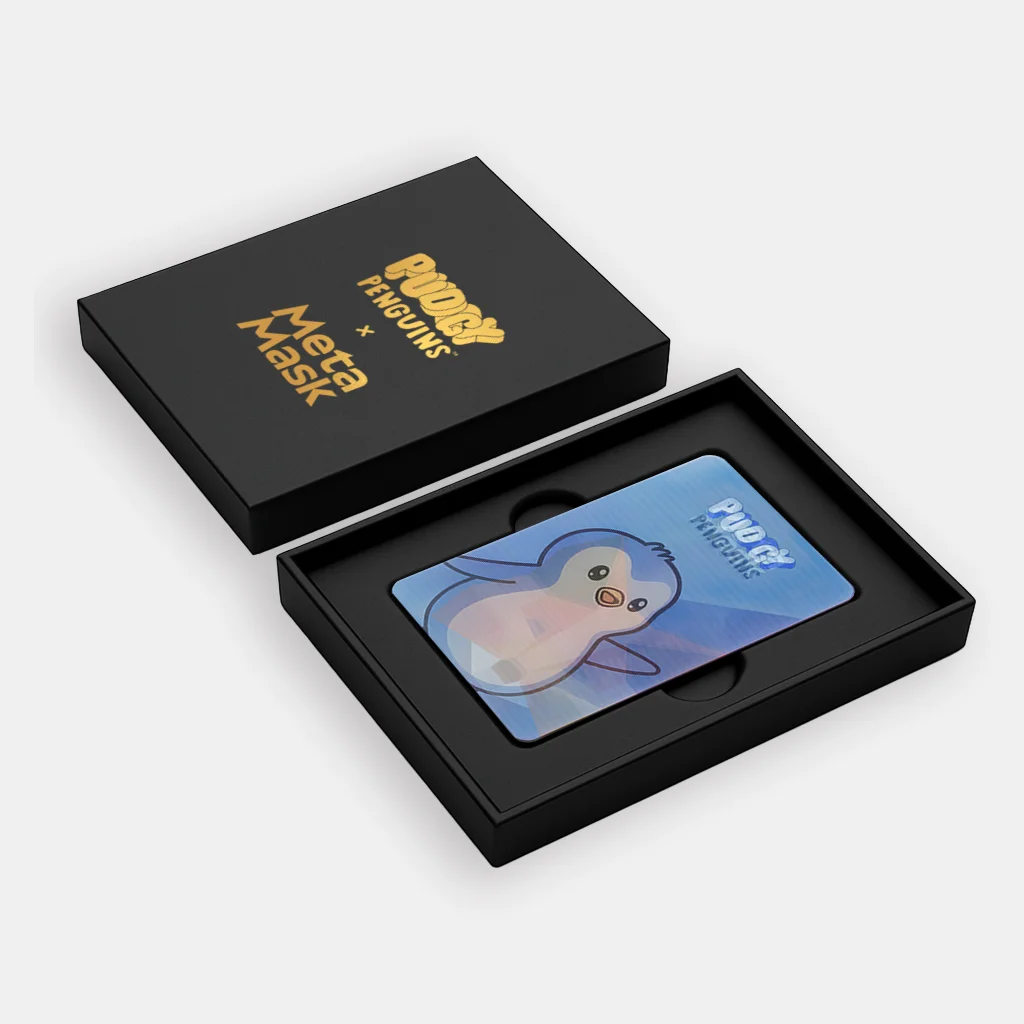 Packaging box |
| Epoxy coating | Epoxy coating places clear resin over the printed surface to form a raised, glossy surface. Epoxy coating suits flat or slightly curved surfaces, and small text too close to the edge may be hard to read. | 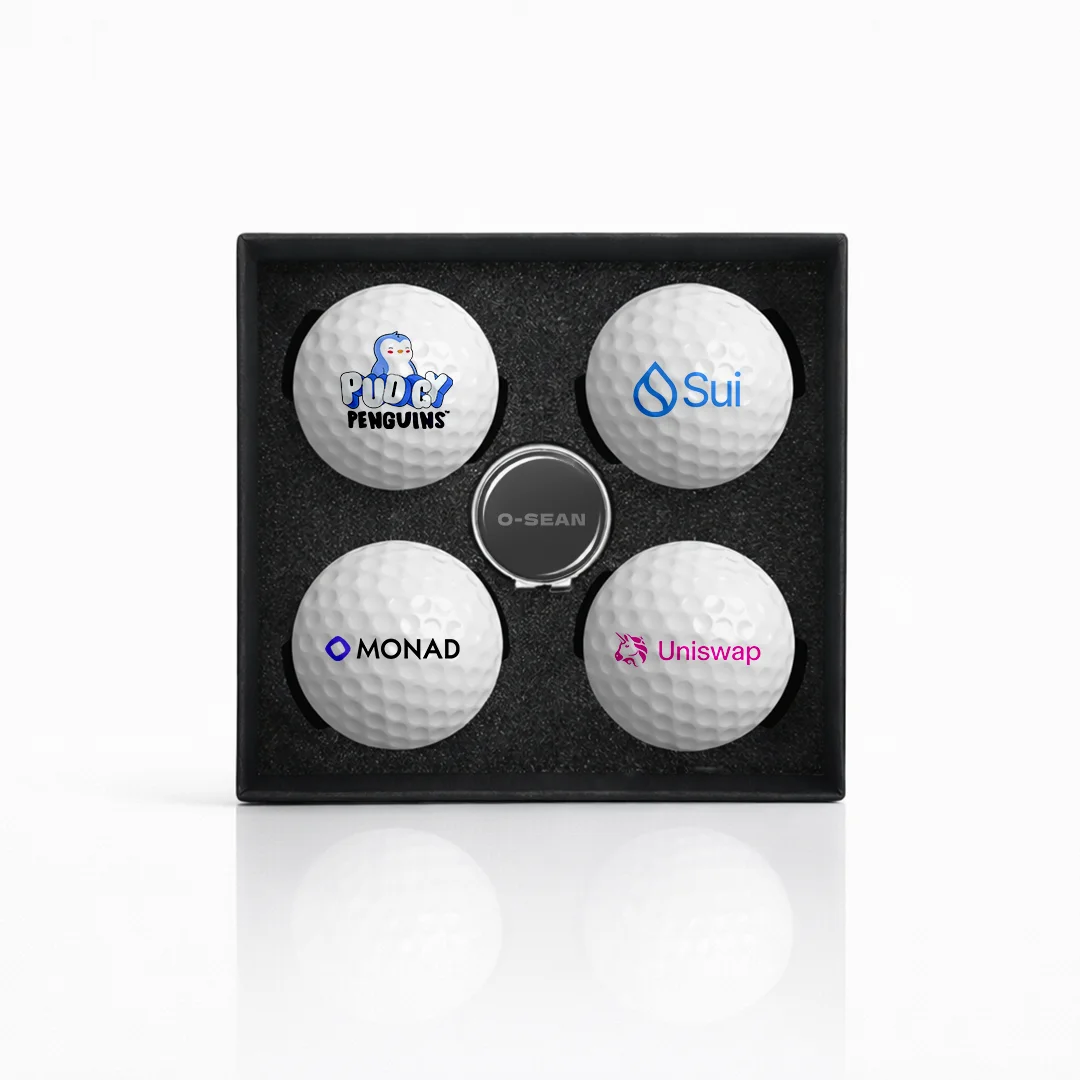 Golf ball set |
| Gloss and matte coating | Gloss and matte coating adds shine or a calm matte texture to the printed surface and protects the print. Gloss and matte coating is mainly applied to stickers. |  Holographic sticker 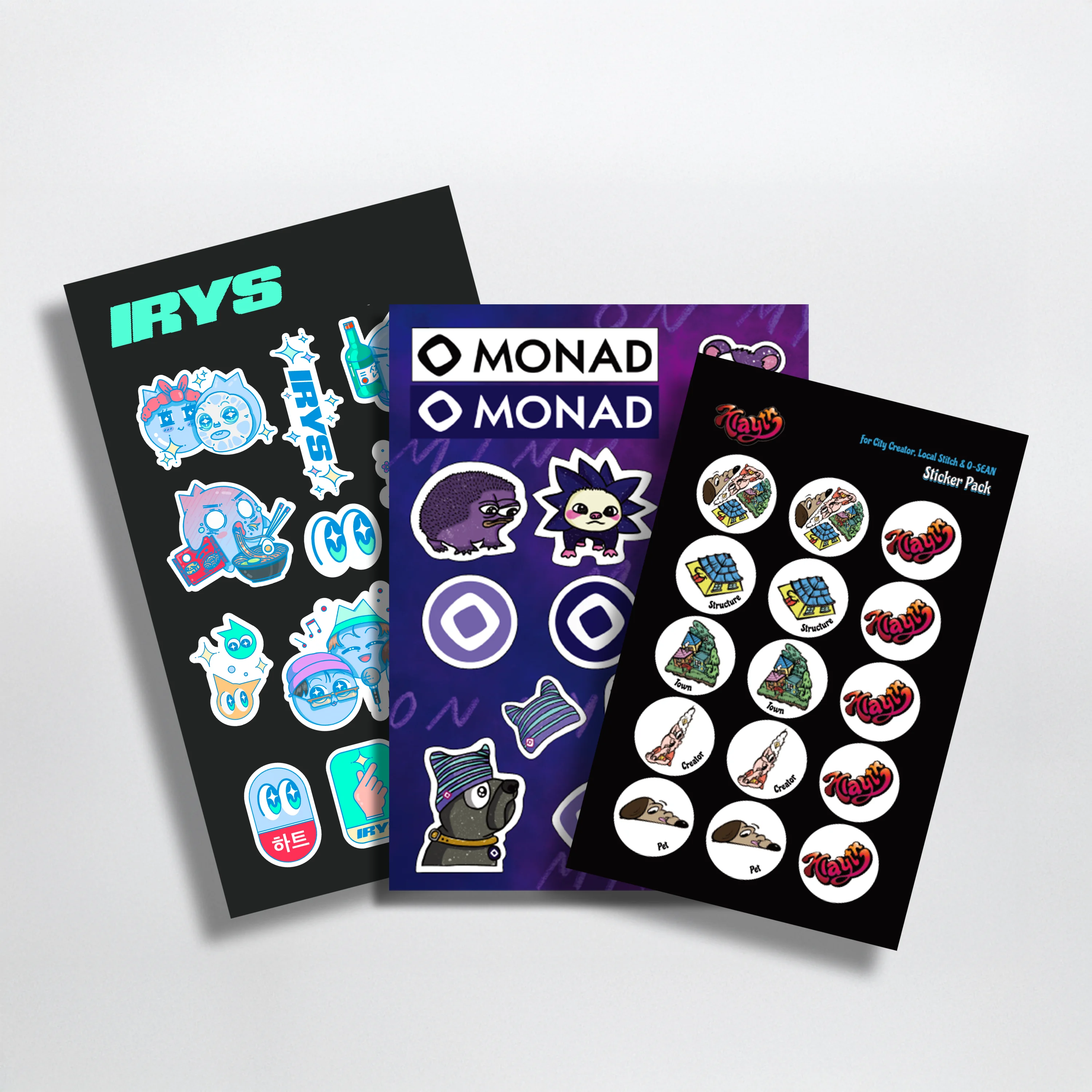 removable die-cut sticker 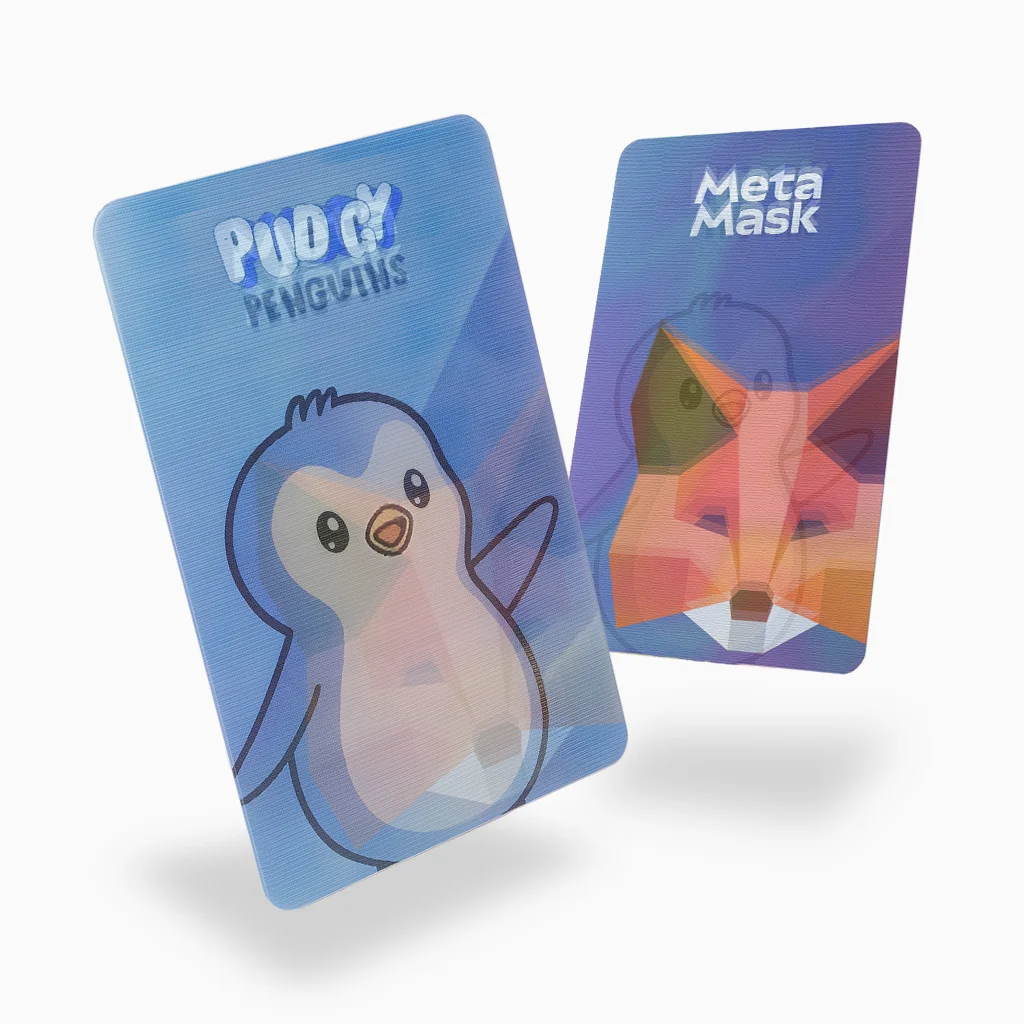 lenticular card |
| Rounded corners | Corner rounding cuts the four corners of a printed piece into curves. Rounded corners wear less and feel softer in the hand, and corner rounding can be combined with foil or coating. | Lenticular card |
| Hole punching | Hole punching makes a hole in the product so a ring or strap can be attached. |  Dessert picks  straw picks |
| Overlock edging | Overlock edging wraps the fabric edge with stitched thread so the fabric does not fray. Overlock edging is used to finish mouse pad edges. | 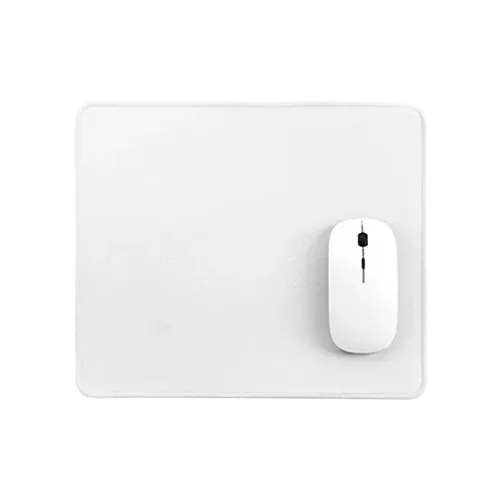 Full-color overlock natural rubber mouse pad |
| Nickel plating | Nickel plating coats the surface of metal products with a nickel layer to add shine and reduce corrosion. Nickel plating is applied to items such as pin badges. | 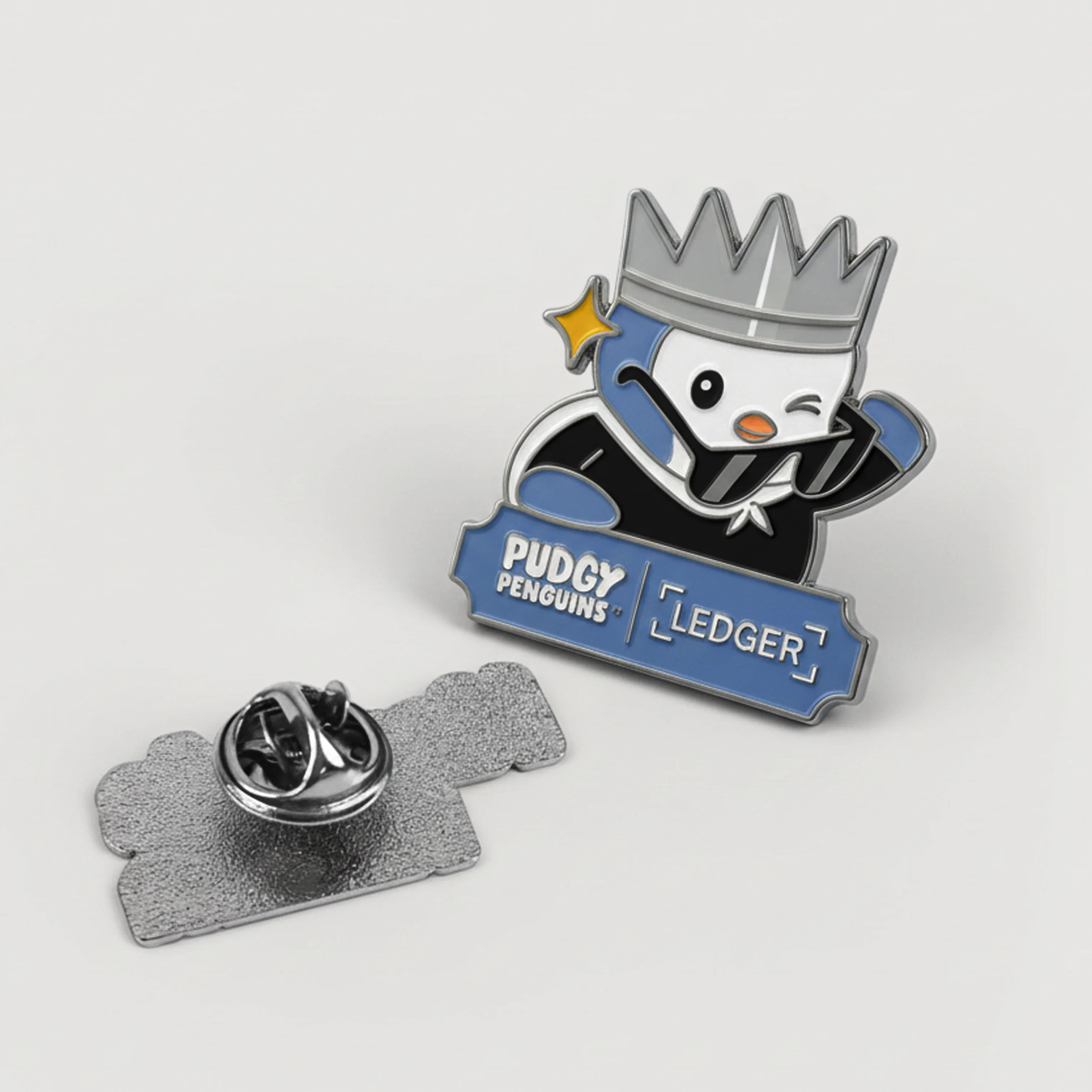 Pin badge |
Frequently asked questions
What should I watch out for when printing on holographic stickers?
When printing on holographic stickers, use large lettering in dark colors, and check on the mockup whether parts that must stand out need a white base print. Light colors on the hologram let the background show through and are hard to see, while areas with a white base lose the holographic effect.
Decide at the mockup stage which areas keep the holographic effect and which areas need clear color.
Should I remove trim lines and guide lines from the template before sending?
Yes, working guide lines such as trim lines and safe-area lines must be removed before saving. Guide lines that are not removed may be printed.
Keep text and artwork that must not be cut inside the safe area, and extend the background past the trim line so no white margin appears at the edge.